In this section, you’ll find all the settings related to receiving funds through Online and Offline Collections . These settings control payment…
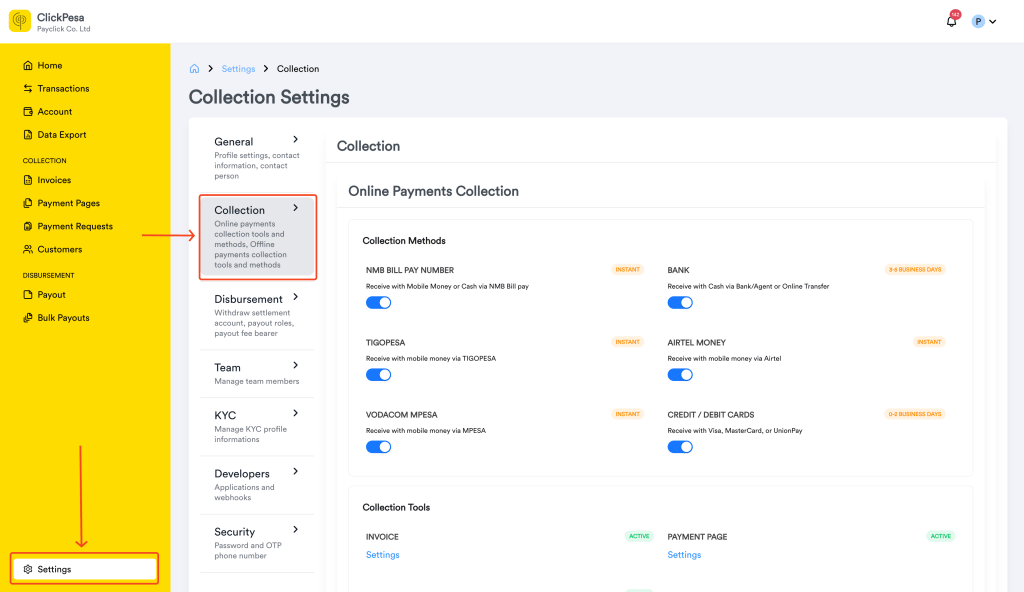
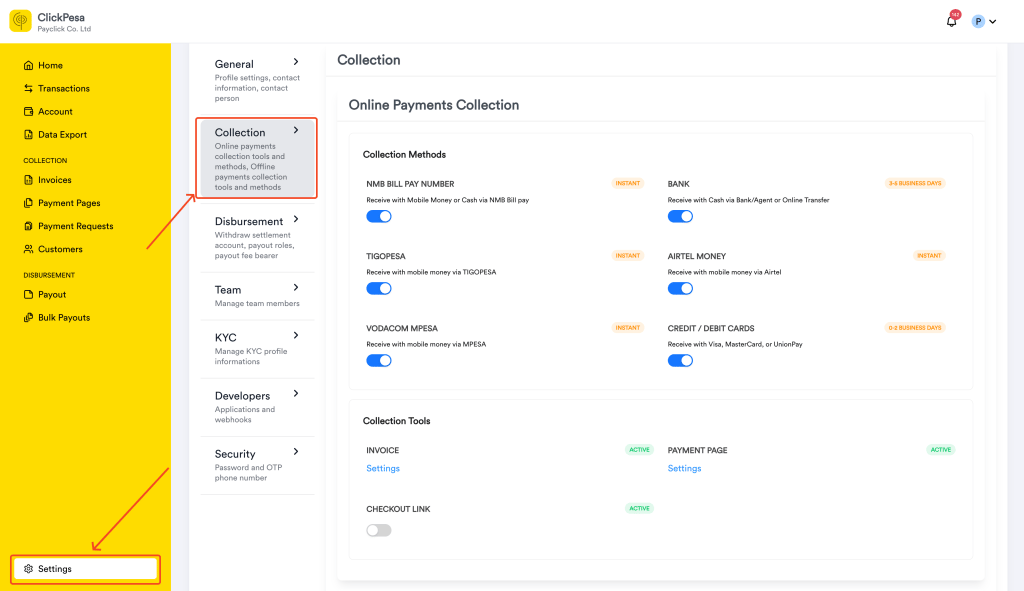
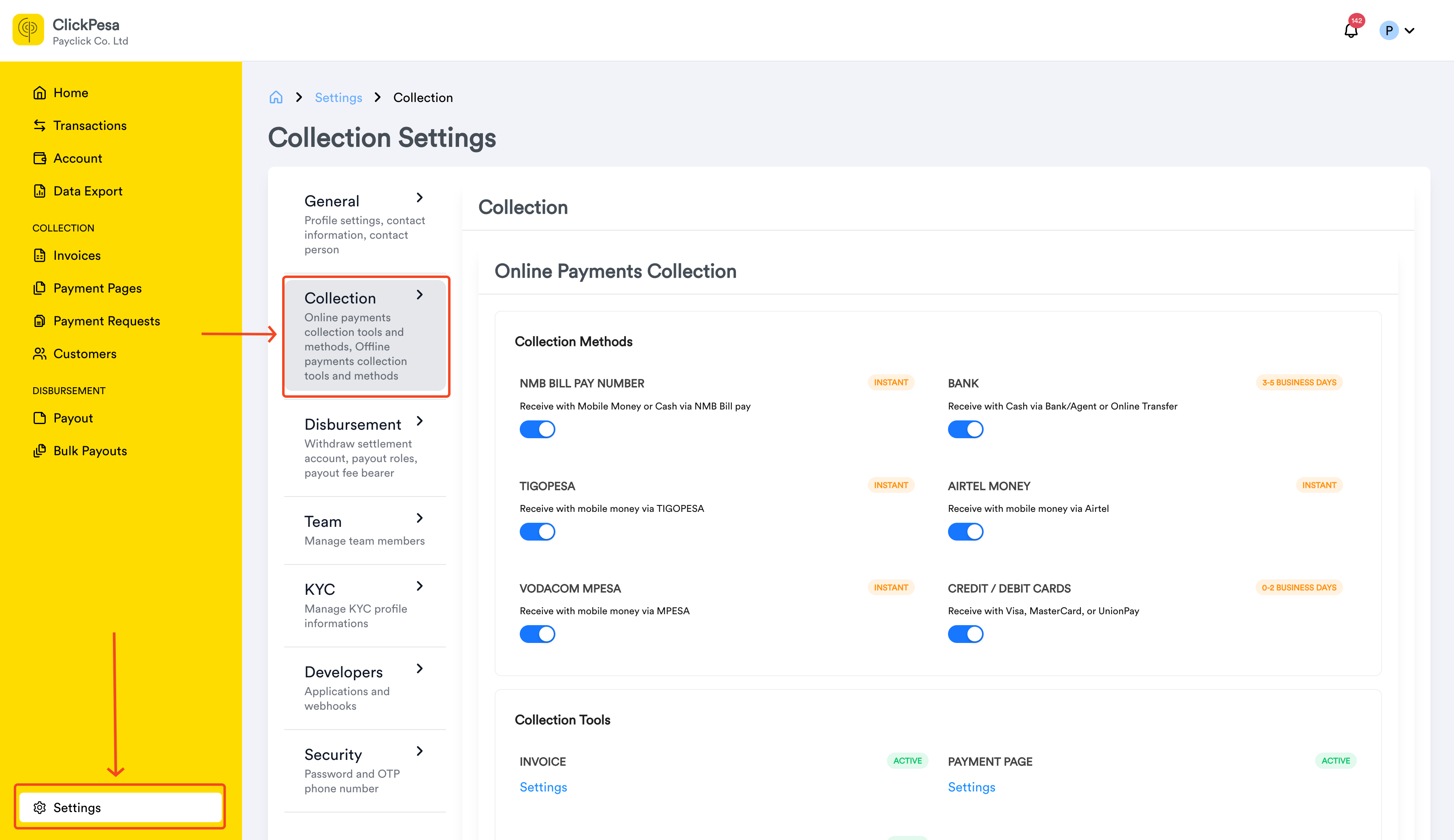
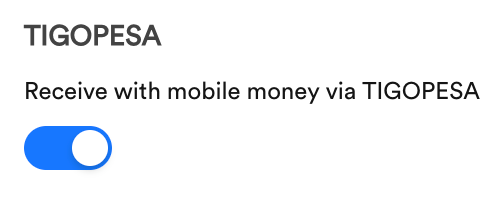
In this section, you’ll find all the settings related to receiving funds through Online and Offline Collections. These settings control payment options, methods, and certain customer permissions within the checkout process.
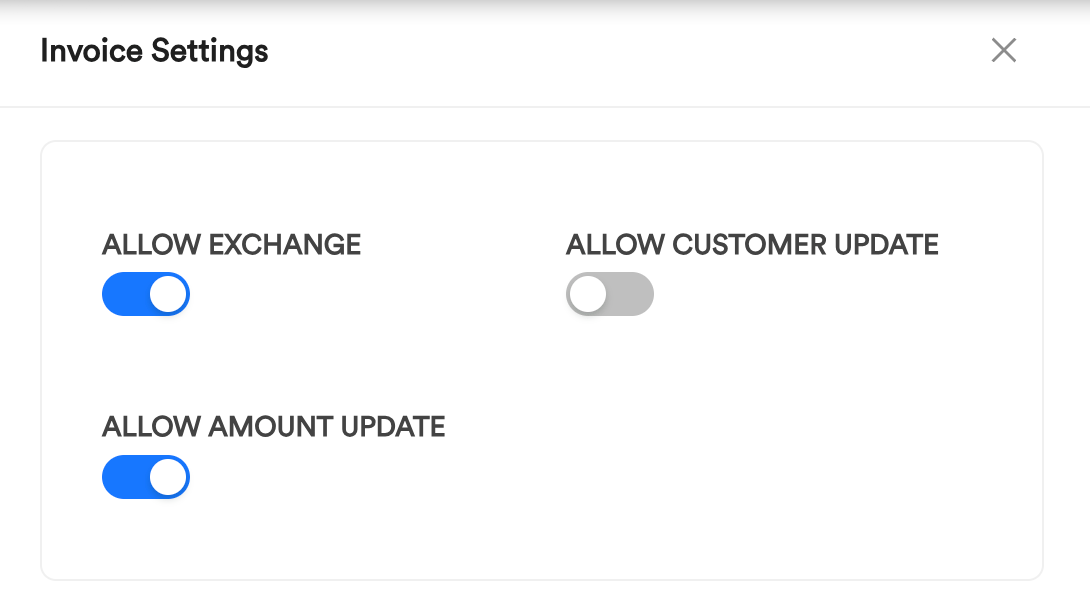
Each tool opens a Checkout Page, where customers can make paymentsMerchants can control what customers are allowed to do on the checkout page. Settings include:
Allow/Disallow Currency Exchange: This lets customers choose if they want to pay in a currency other than the one specified (e.g., exchange USD to TZS).
Allow/Disallow Customer Info Update: This lets customers edit their information (such as name, email, and phone number.).
Allow/Disallow Amount Update: For invoices and fixed amount payment pages, this lets customers change the payment amount if enabled by the merchant. It does not apply to open amount payment pages — the customer always enters the amount — or to Checkout Links, where the amount stays locked.
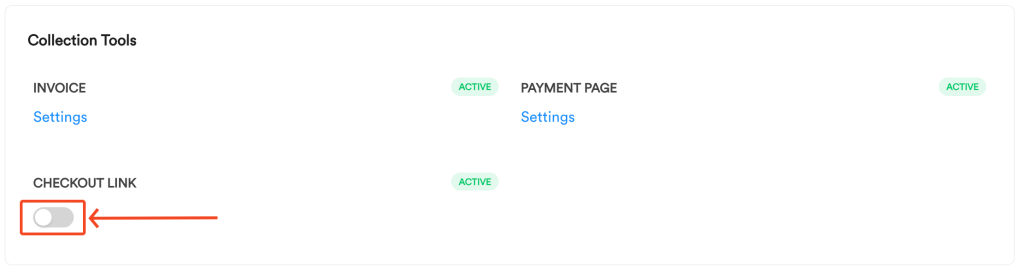
When a tool (Invoice, Payment Page, Checkout Link) is created, it generates a checkout page. The checkout page will display the customer (if pre-attached), the amount to be paid when one is set, and the supported payment methods.
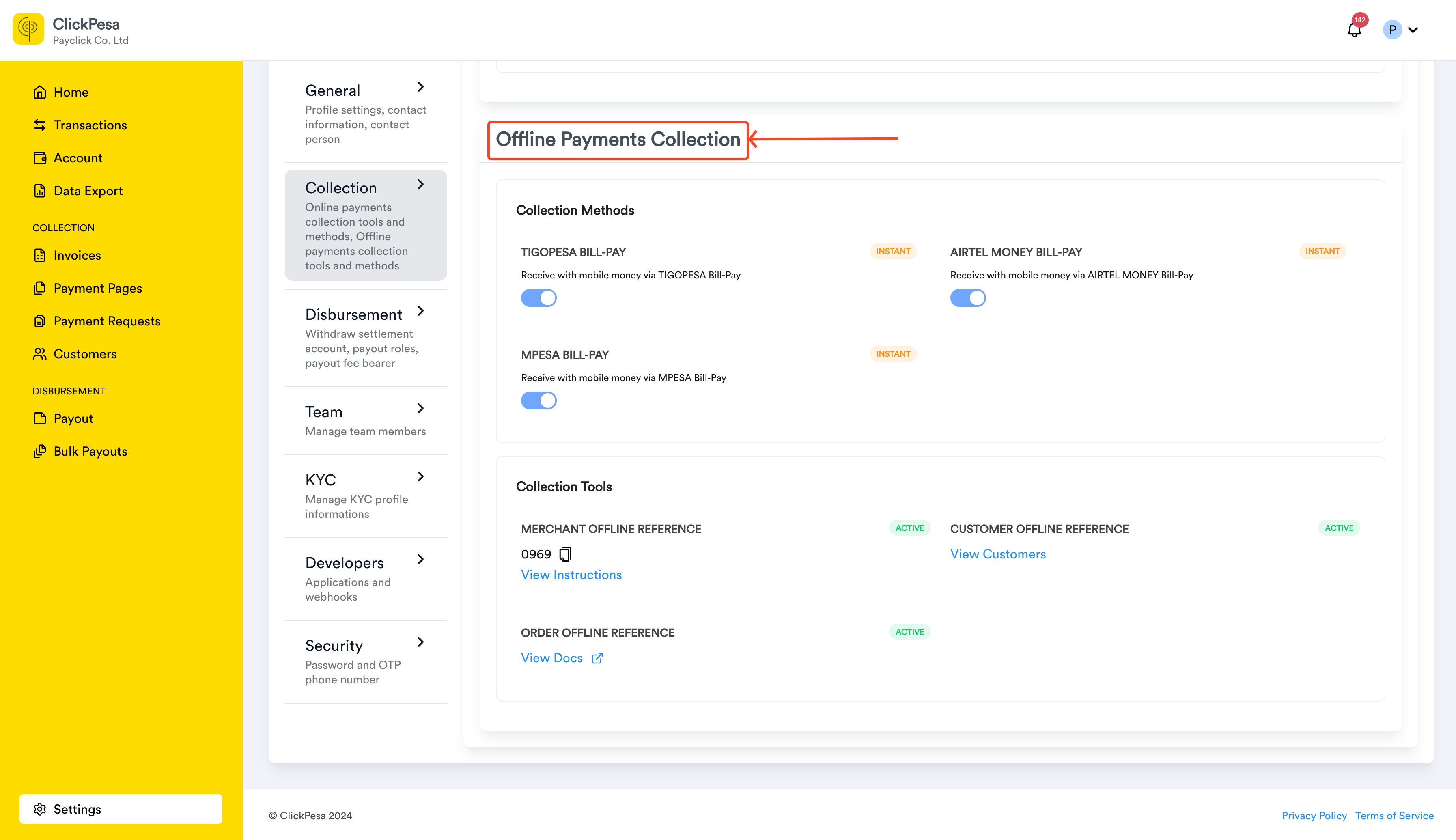
The offline collection setup includes three key tools for managing customer payments:
Merchant Offline Reference
This provides a static reference number for the merchant, which customers can use to pay via mobile money. Detailed instructions on how to use this reference are available on here.
Customer Offline Reference
Similar to the merchant reference, but unique for each customer. Detailed instructions on using customer references are available here.
Order Reference
A unique order identifier used in offline transactions. This reference is explained thoroughly in the Developer Documentation.