Manage business profile, contact details, and authorised person information in the Merchant Dashboard
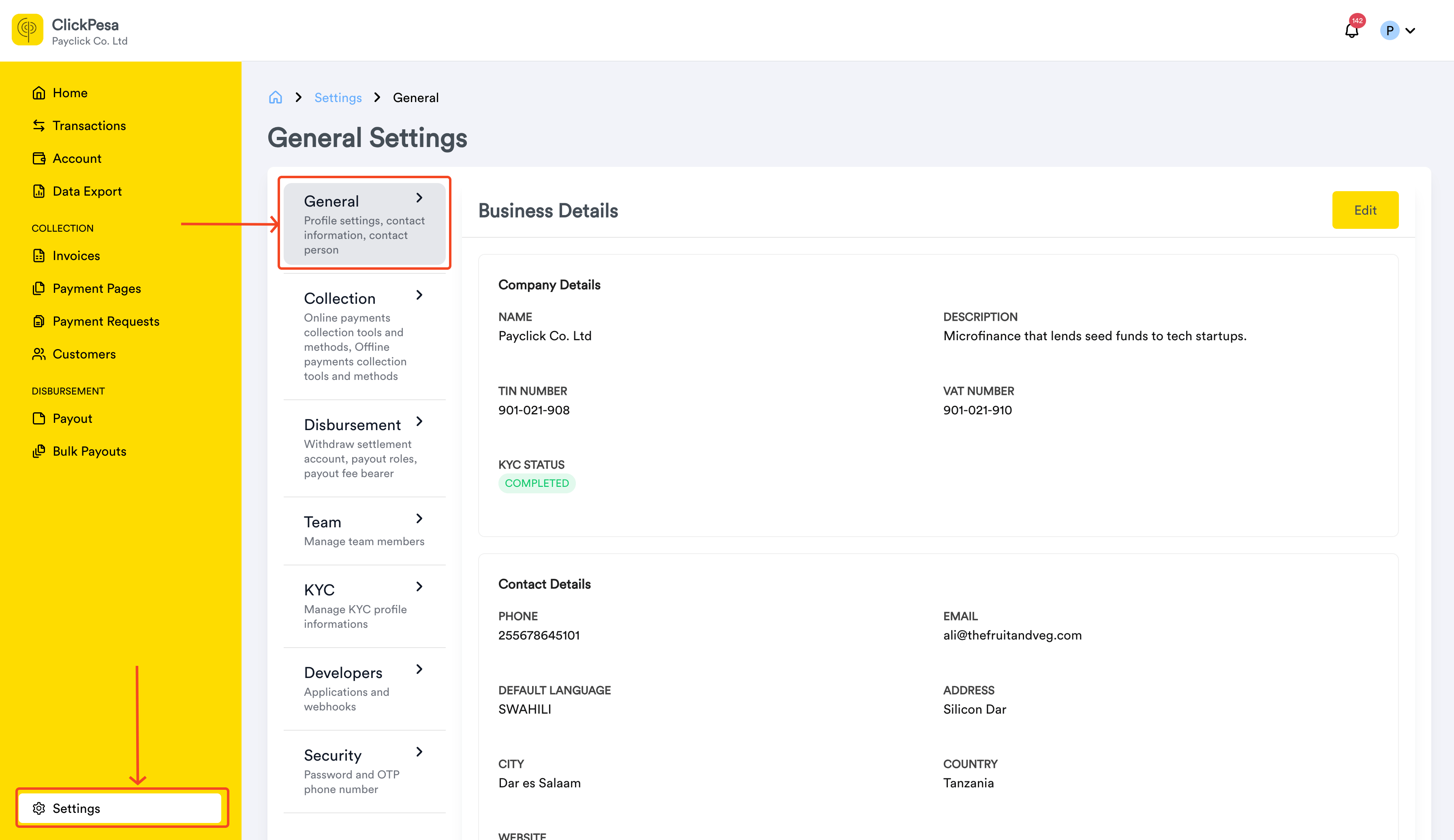
General settings cover your business identity and the authorised person on your account. Complete both sections as part of the account setup checklist.
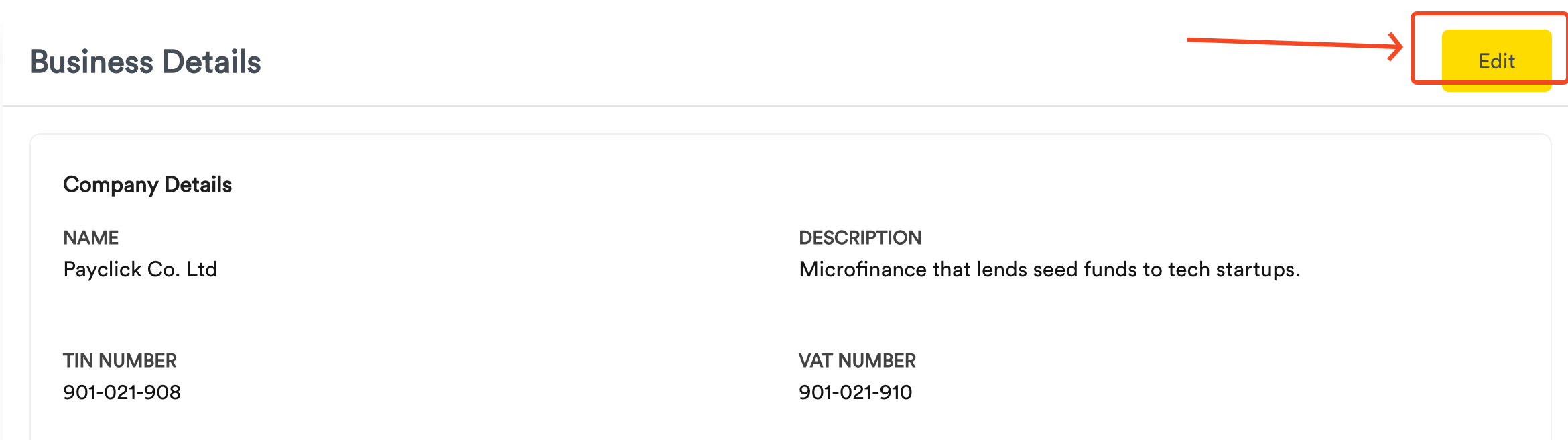
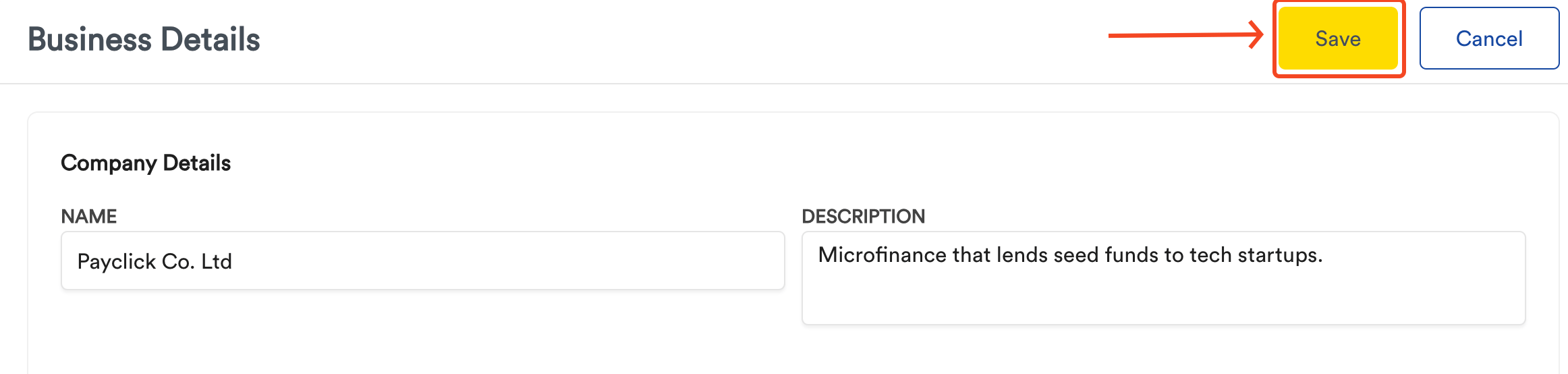
Business details — industry, description, TIN, and VAT number
Business type — set during registration and displayed read-only here. To change it, email support@clickpesa.com.
Company name — displayed read-only after it is set. To change it, email support@clickpesa.com.
Contact details — phone, email, address, city, country, and website
Customer support — email and phone so customers can reach you after they pay or receive a payout
Your company name appears on ClickPesa receipts, invoices, and payment pages. Customers use customer support to contact you — not your account email or phone.Choose English or Swahili for notifications under Settings → Notifications.
Set up General settings before using payment or payout features. Add customer support so customers know how to reach you. Set English or Swahili under Settings → Notifications. On bulk payouts, the Language column applies only to that recipient.
Do my company details appear on receipts, invoices, and payment pages?Your company name does. The email and phone on those pages are your customer support contacts, not the account email and phone.Where do I set notification language?Settings → Notifications.